How Much Does It Cost to Teach Online (2026): About $105 to Start, $281 All In
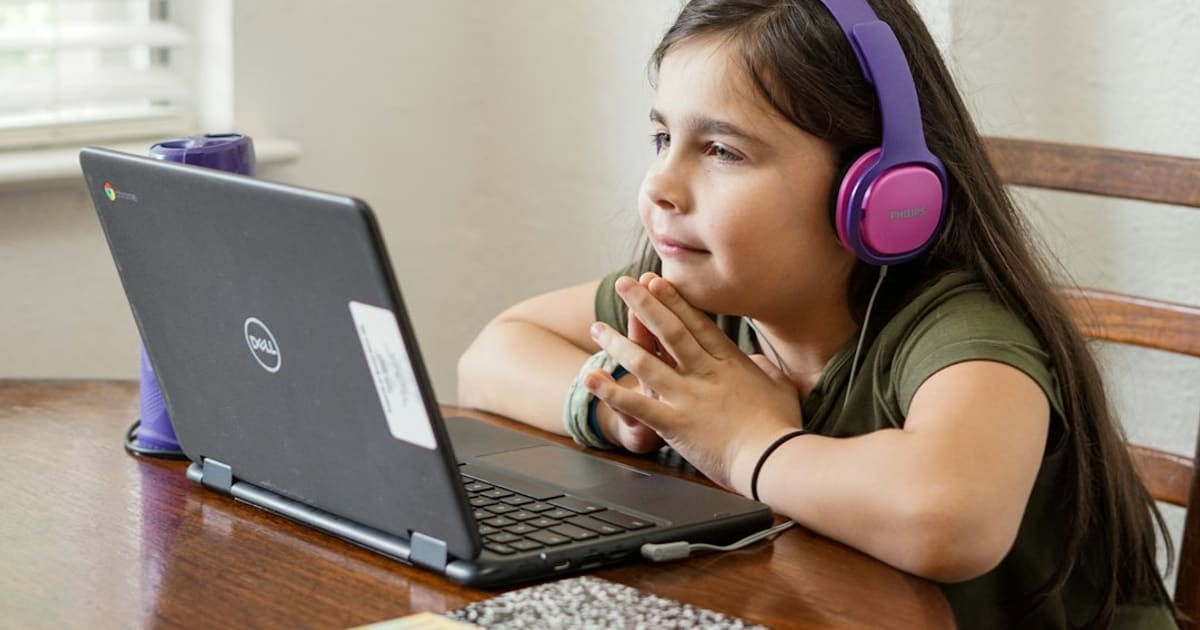
Teaching online costs about $105 to start: a USB mic and a pen tablet whiteboard. The full six-piece setup runs about $281. The math inside.
Teaching online costs about $105 to start and about $281 all in. The start-this-week pair is a $79.99 USB microphone and a $24.99 pen tablet, which is $104.98 on the receipt. The full six-piece setup adds a webcam, a light bar, a session notebook, and spare headphones. Everything else (the platform, the video call, the calendar) is free software on a laptop you already own.
The honest answer
Students forgive a plain background. They do not forgive bad audio or an unreadable whiteboard, because those are the lesson itself. That is why the online tutoring starter pack puts the mic first and the tablet second, and calls everything after those two optional.
- A dynamic USB microphone ($79.99). Samson Q2U USB/XLR Dynamic Microphone Recording and Podcasting Pack Laptop mics sound distant and pick up the room. A dynamic USB mic plugs straight in, rejects more room noise than a typical condenser, and points at your mouth from its own desk tripod. This is the one purchase that changes how you come across tonight.
- A pen tablet whiteboard ($24.99). VEIKK S640 Graphics Drawing Tablet The 6 by 4 inch tablet turns your mouse hand into a pen, so you write equations, circle clauses, and sketch graphs straight onto the shared screen. Around $25 to retire the awkward routine of holding worksheets up to the camera is the best deal on the page.
The math is $79.99 plus $24.99, which equals $104.98, or about $105.
The budget tier
There is an honest $0 start: your laptop camera, earbuds, and the free whiteboard built into most video platforms get you to a trial lesson. Spend the first dollar on the mic, because parents book the tutor whose explanations land clearly, not the one with the best set dressing.
The remaining four pieces total about $176 and none of them is required for a first paid session:
- A 1080p webcam (about $70). Logitech C920x HD Pro Webcam Test your built-in camera first. If you teach from a dim corner, this is the fix.
- A monitor light bar (about $40) Quntis Computer Monitor Lamp. Evening slots are common, and a bar across the top of the monitor lights notes and keys without glare on the display.
- A session notebook (about $26) Leuchtturm1917 Medium A5 Hardcover Notebook, Dotted (Navy). One notebook per student beats loose worksheets: date, topic, the two problems that went sideways, the homework promise.
- Spare wired headphones (about $40). HyperX Cloud Stinger 2 Core Wired Gaming Headset No Bluetooth dropout mid-lesson, and a spare pair covers the day your main ones die at ten to five.
Full-pack math: $104.98 plus about $70 plus $39.95 plus about $26 plus $39.99, which rounds to about $281.
What to skip
A standing desk, a ring light, and a studio backdrop. A second monitor before you teach twenty hours a week. A paid whiteboard subscription when the built-in annotate plus a $25 tablet covers years of algebra. An expensive condenser mic for the quality, which in an untreated bedroom mostly records the fridge and the road. Kitchen-table teaching is fine until earnings say otherwise.
How this compares
Tutoring gear answers a different question than remote-work gear. The remote work starter pack runs about $225 for call presence, backup power, and desk comfort, which is the utility layer of working from home. Teaching needs the mic and the whiteboard instead, and the two kits share only the webcam. If the mic bug bites harder, the podcast starter pack prices a fuller one-person audio setup at about $265 around the same $80 microphone, which shows where the money goes when voice is the whole product.
The math, again
| Tier | What you get | Cost |
|---|---|---|
| Start this week | USB mic plus pen tablet | $104.98, about $105 |
| Full six-piece setup | The pair plus webcam, light bar, notebook, headphones | about $281 |
| Free path | Laptop camera, earbuds, built-in whiteboard | $0 |
| Skip | Standing desk, ring light, second monitor, paid whiteboard | $30+ each |
For most beginners the $105 pair is the right spend: two purchases, years of lessons, no supply run. If you want the full breakdown of which piece to add third and how to land a first student, the online tutoring starter pack walks through it, and the starter packs hub collects every beginner setup here.
Frequently asked questions
Is $105 enough to start teaching online?
Yes. A $79.99 USB microphone plus a $24.99 pen tablet is $104.98, about $105, and that pair plus the laptop you already own is a complete teaching setup. Clear audio and a readable whiteboard matter more than any camera upgrade for a first paid session.
What are the hidden costs of teaching online?
In gear, almost none. The video platform, the calendar, and the built-in whiteboard are free software, and the laptop camera covers video until you can prove it does not. The costs that surprise people sit outside gear: marketplace commission, a background check for tutoring minors, and the tax line on self-employment income.
Do I need a webcam to tutor on Zoom?
Not at first. Record yourself in your normal room and watch it back; if your face looks clean, keep the money. A separate 1080p webcam runs about $70 and earns its place only when grain, focus, or a bad screen angle keeps getting in the way on calls.
How much does teaching online cost after the first month?
Nothing, until the calendar fills. The $105 pair keeps working for years, and the remaining four pieces (webcam, light bar, notebook, spare headphones) are polish you add one at a time from earnings, not upfront. The $176 between the two rounded numbers buys polish, not capability.
How we work
How we research and review
StarterPacks Editorial Team researches the products and writes the packs. We choose items for a specific starting point, then check the listing before we link to it.
For each linked product, we open the retailer page to check the price and availability, confirm that its Amazon ASIN still resolves to the right product, and compare important claims with manufacturer specs. We do not call an item hands-on tested unless the page explains what was tested.
This guide was last checked on . We revisit pages when products, prices, or advice change. Prices and stock can move after a check, so the live listing is the final word.
Read about the StarterPacks Editorial Team and our standards.